Electron 开发桌面应用demo
garvin 1/12/2022 electron
Github (opens new window) - Gitee (opens new window)
- index.html
<!DOCTYPE html>
<html lang="en">
<head>
    <meta charset="UTF-8">
    <meta name="viewport" content="width=device-width, initial-scale=1.0">
    <title>Document</title>
</head>
<body>
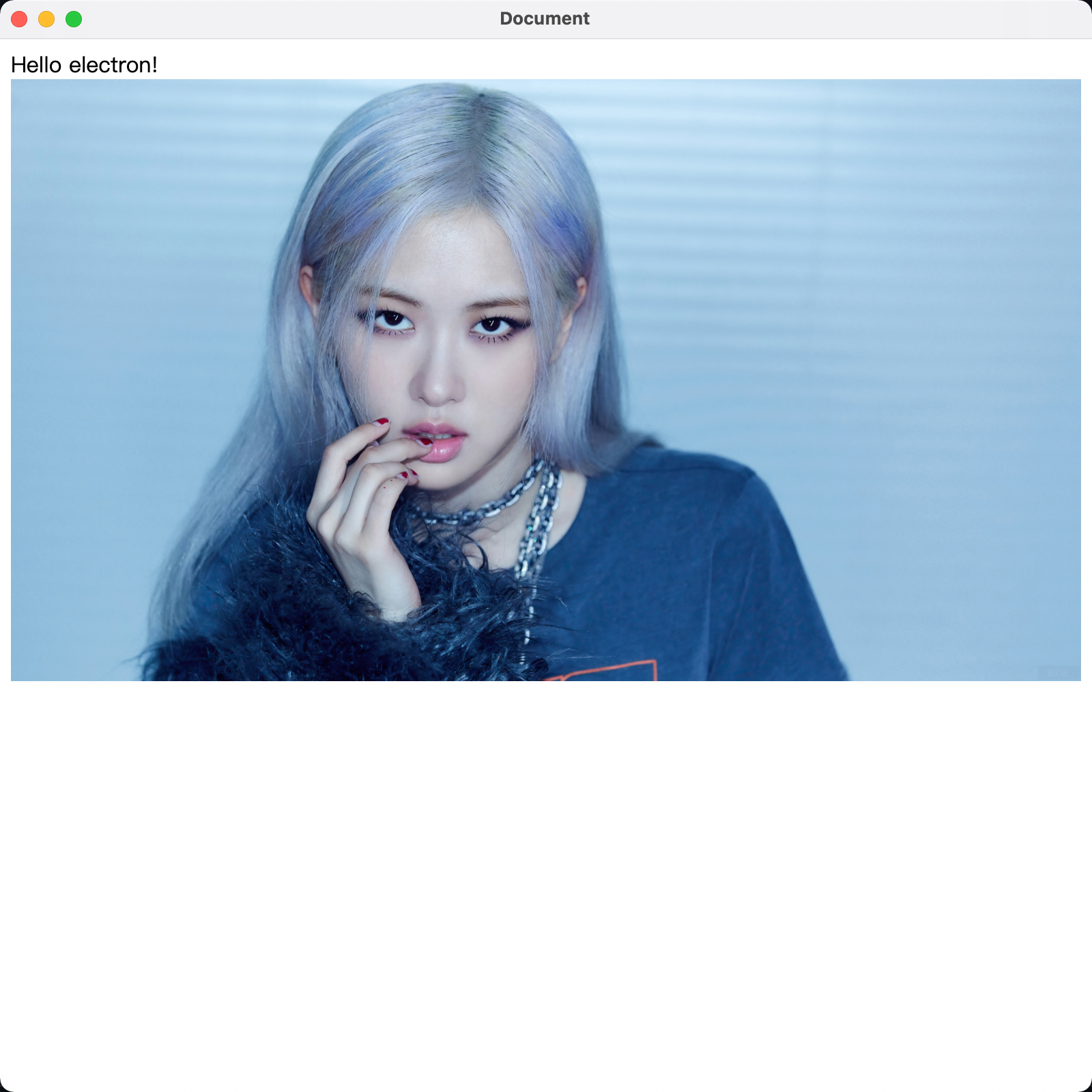
    Hello electron!
    <img style="width: 100%;" src="https://cdn.jsdelivr.net/gh/ngwszsd/cdn/mac-work/rose.jpg" alt="" />
</body>
</html>
1
2
3
4
5
6
7
8
9
10
11
12
2
3
4
5
6
7
8
9
10
11
12
- main.js
const { app, BrowserWindow } = require('electron')  //引入electron模块

var mainWindow = null;  //声明要打开的主窗口
app.on('ready', () => {
    mainWindow = new BrowserWindow({ width: 800, height: 800 })   //设置打开的窗口大小

    mainWindow.loadFile('index.html')  //加载那个页面

    //监听关闭事件,把主窗口设置为null
    mainWindow.on('closed', () => {
        mainWindow = null
    })
})
1
2
3
4
5
6
7
8
9
10
11
12
13
2
3
4
5
6
7
8
9
10
11
12
13
- package.json
{
  "name": "electron",
  "version": "1.0.0",
  "description": "",
  "main": "main.js",
  "scripts": {
    "test": "echo \"Error: no test specified\" && exit 1"
  },
  "keywords": [],
  "author": "",
  "license": "ISC"
}
1
2
3
4
5
6
7
8
9
10
11
12
2
3
4
5
6
7
8
9
10
11
12
# run
// npm很可能不成功 可以换cnpm
sudo npm i -g electron
electron .
1
2
3
2
3